

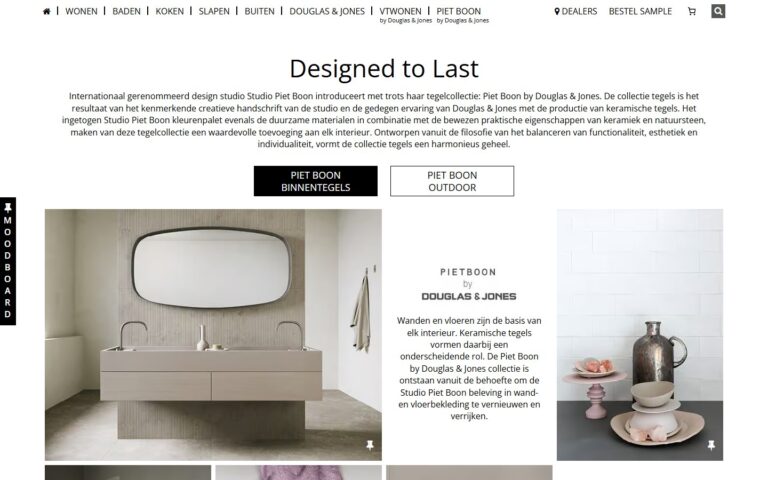
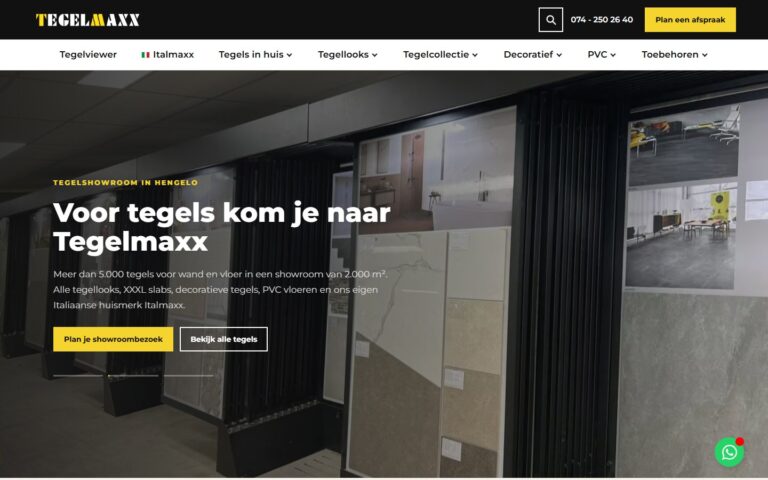
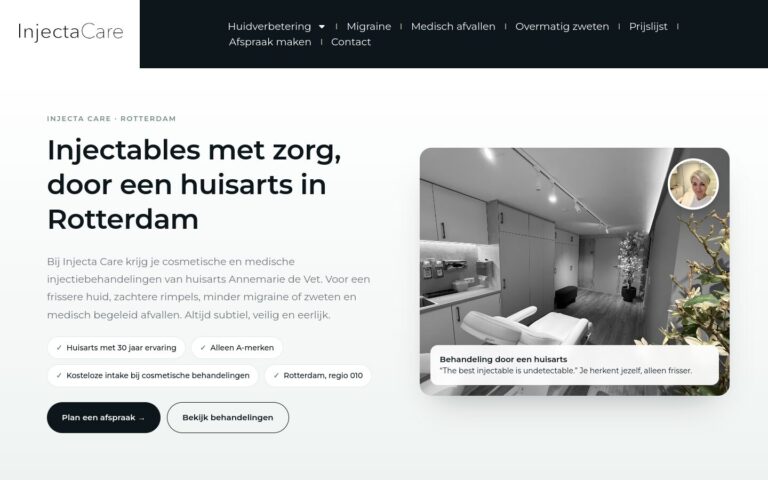
UI is how your site looks, UX is how it feels. The two need to work together. A consistent, modern design shows within seconds that you're a professional business.
What does this mean in practice?
UI stands for User Interface. It's the visual side of your website: colours, fonts, buttons, icons, white space and layout. Where UX is about how something works, UI is about how it looks.
Why does this matter for your business?
A consistent, modern design builds trust within seconds. Changing colours, different kinds of buttons or random fonts erode that trust, even before a customer has read what you offer.
Examples and best practices
- Use a limited number of brand colours.
- Stick to one style for buttons and icons.
- Use the same white space and the same grid everywhere.
- Only make what really matters stand out.
How we do it at Ikoon
Every Ikoon website gets a unique, bespoke design in your company's colours and style. Buttons, icons and fonts are consistent on every page, so your site looks calm and professional. Don't have a house style yet? Then you can choose Logo design or Marketing formula and concept.