

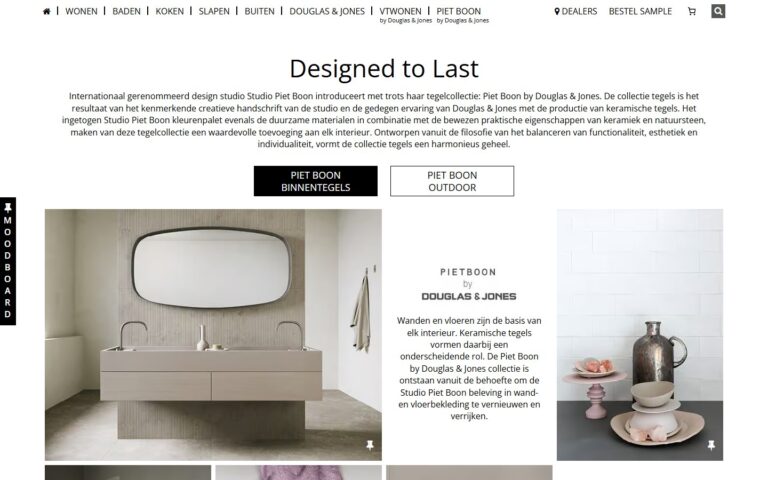
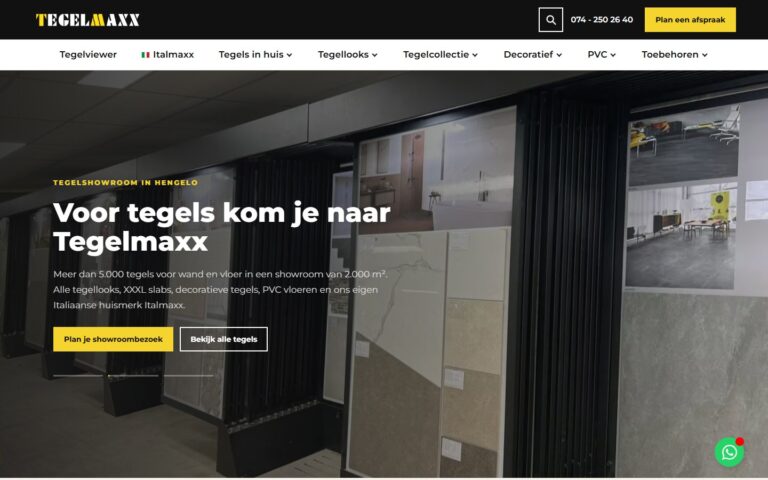
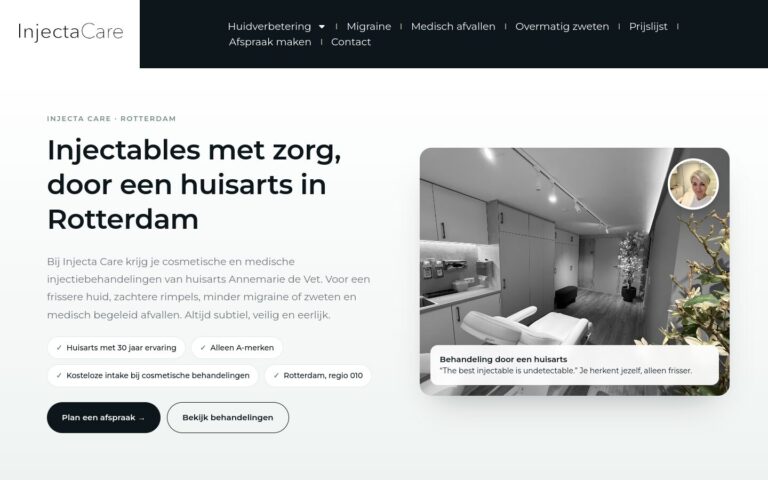
Pictures say more than words. On a tablet, you can show a customer exactly what you mean straight away: previous work, an example or a price calculation.
What does this mean in practice?
With a tablet presentation, you hold a sales conversation with concrete visuals instead of just words. Think of photos of previous projects, an example from the same industry or a clear price. This works especially well for conversations at the kitchen table or on site.
Why does this matter for your business?
A customer immediately sees what they can expect. That makes the conversation shorter and the decision easier. You also come across as more professional than with loose papers or just talk.
Examples and best practices
- Start with something familiar, such as a project near the customer.
- Show an example from the customer's industry or situation.
- Give a clear price and what it includes.
- Finish with a concrete next step, such as a quote or an appointment.
How we do it at Ikoon
Your Ikoon website can be your presentation. Open your projects page on a tablet and let the client browse through your work themselves. With the Before-and-after slider or a 360° tour, you make the result tangible. And with the Price calculator and configurator, you work out a price together with the client on the spot.