

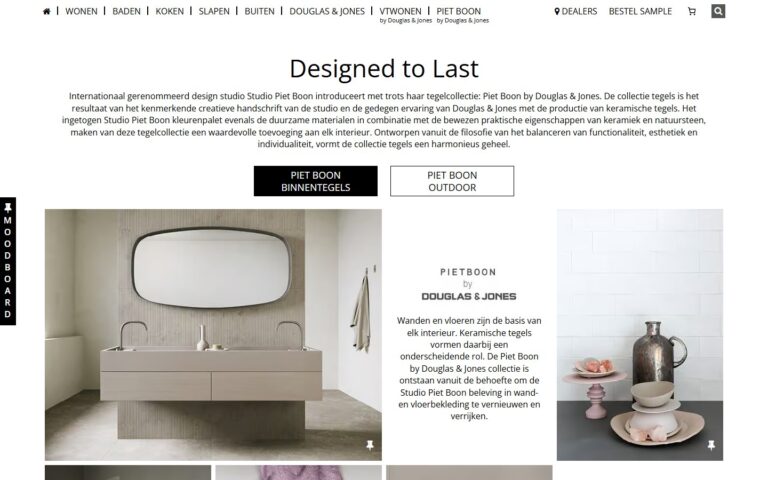
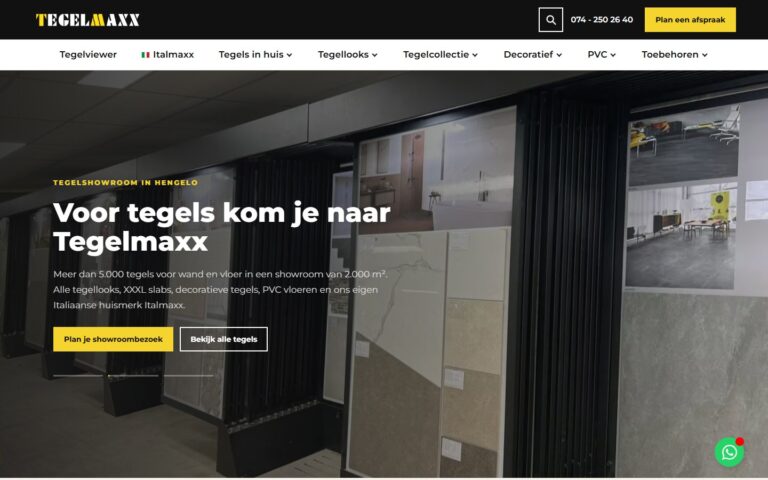
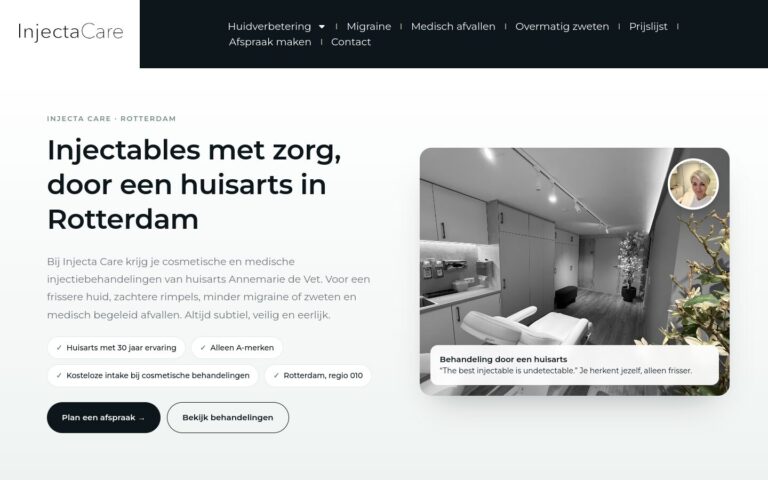
Simple, logical navigation helps visitors and search engines quickly find the most important pages.
What does this mean in practice?
The navigation, or menu, is the set of links you use to move through a website. It usually sits in the header and sometimes in the footer too. A good menu shows the most important sections: services, projects, prices, about us and contact.
Why does this matter for your business?
If customers can't quickly find what they're looking for, they leave. Simple, logical navigation also helps search engines understand the structure of your site and the importance of its pages.
Examples and best practices
- Limit your menu to 5 to 7 main items.
- Use clear names instead of jargon.
- Make the button for contact or a quote stand out.
- Make sure the menu is easy to use on mobile.
How we do it at Ikoon
Ikoon websites have simple navigation with a prominent contact button, a well-functioning mobile menu and a logical structure. An SEO- and AI-proof setup is standard on every site.