

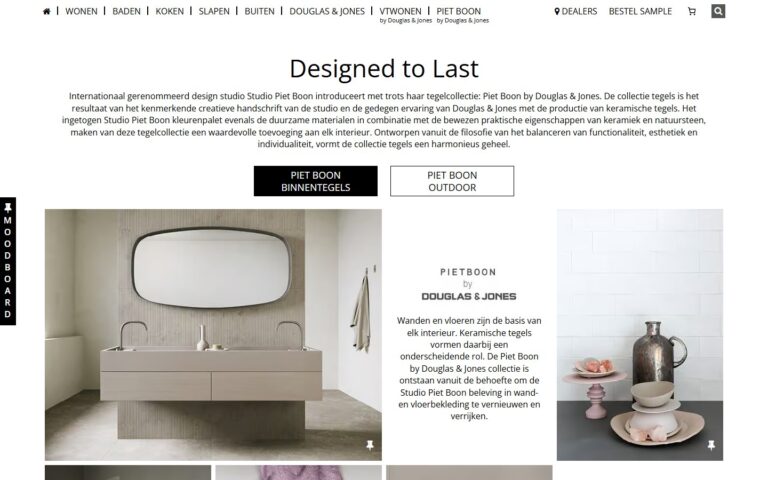
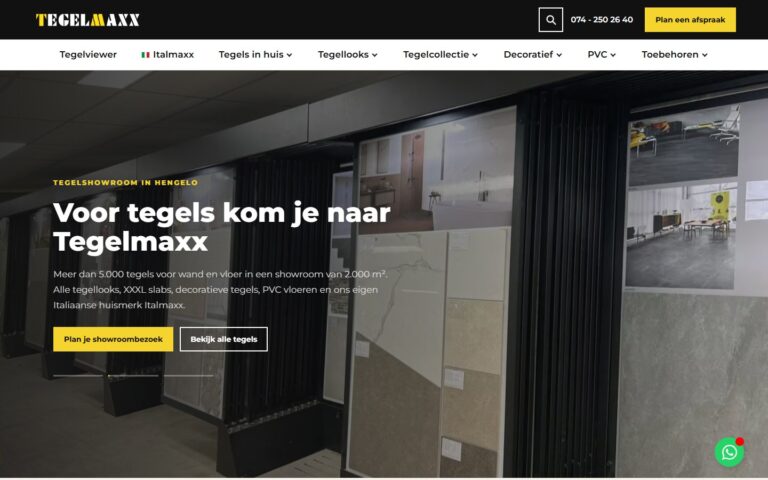
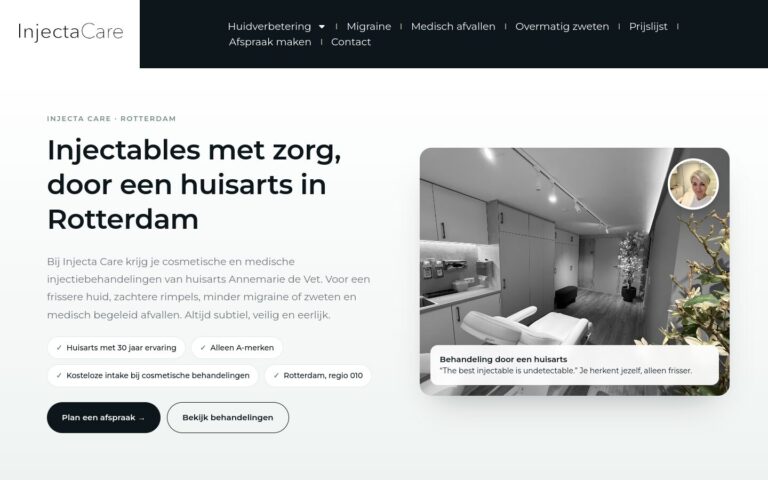
A favicon is a small detail that looks professional. It helps visitors find your site again among lots of open tabs. On phones, Google also shows it next to the search results.
What does this mean in practice?
A favicon is the small icon for your website. You see it in the browser tab, in bookmarks, in your history, on a phone’s home screen and next to Google results on mobile. It’s usually a simplified symbol from your logo.
Why does this matter for your business?
It’s a small detail that looks professional and helps people recognise your site among lots of open tabs. No favicon, or a default icon, looks sloppy, in the search results too.
Examples and best practices
- Use a simple symbol that’s legible at 16 by 16 pixels.
- Create versions for different devices, including an icon for the iPhone.
- Make sure there’s enough contrast on light and dark tabs.
- Use the same symbol as in your logo.
How we do it at Ikoon
Every Ikoon website gets a unique, custom design in the style of your business. With a custom design, we think about details like these too, such as a favicon that matches your logo. Don’t have a logo yet? The Logo Design module has you covered.