



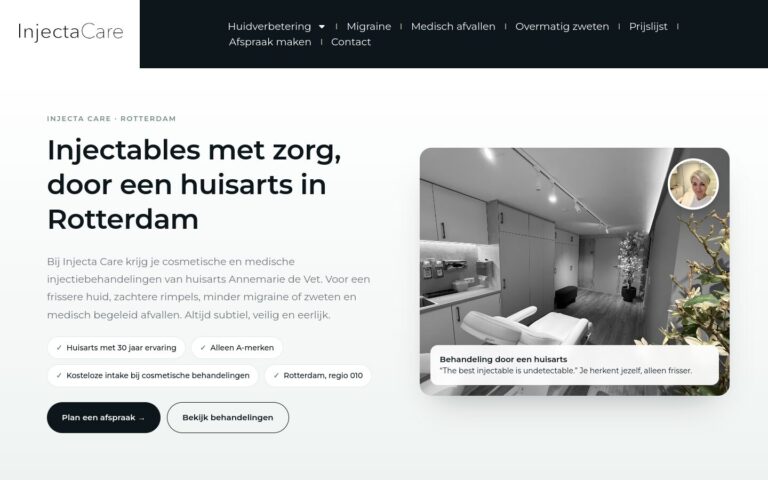
Genoeg contrast is de basis van leesbaarheid en toegankelijkheid. Vooral op een telefoon in de zon maakt het veel verschil.
What does this mean in practice?
Contrast is the difference in brightness between text and background, or between a button and its surroundings. The accessibility guidelines (WCAG) recommend at least 4.5:1 for normal text and 3:1 for large text.
Why does this matter for your business?
With enough contrast, your website is easy to read, even on a phone in the sun and for older people. Light grey text on white may look stylish, but many people simply can't read it.
Examples and best practices
- Check your contrast with a free online tool.
- Avoid light grey text on a white background.
- Place text on photos over a dark overlay.
- Make your contact buttons stand out clearly against the background.
How we do it at Ikoon
With a custom Ikoon design, we choose colours with enough contrast and make contact buttons stand out clearly. Want your website checked against the accessibility guidelines? Choose the Accessibility audit (WCAG) module.